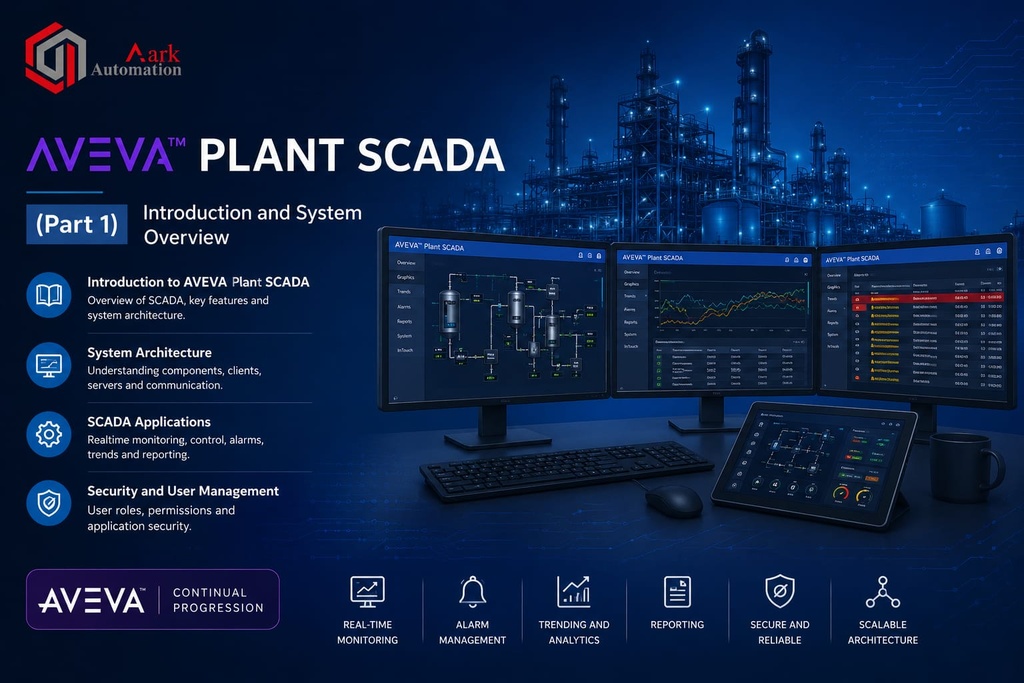
Aveva-Plant-Scada (Part 1)
| Responsible | Nayudu Bhavana |
|---|---|
| Last Update | 17/06/2026 |
| Members | 1 |
-
-
Aveva Plant Scada Configuration
-
Safety Information
-
Before the Course Begins
-
Course Overview
-
Conventions
-
Table of Contents
-
-
Chapter 1: Introduction to Plant SCADA6Lessons ·
-
Overview of Plant Scada
-
Plant SCADA Configuration
-
Plant SCADA Studio
-
Activities & Navigation
-
The Grid Editor
-
Property Grid & Graphics Builder
-
-
Chapter 2: Project Management11Lessons ·
-
Overview of Project Management
-
Projects Activity
-
Plant SCADA Project Types
-
Include & Starter Projects
-
Key Components
-
Default Master Page Layout
-
Project Creation & Explore Project
-
Back Up, Restore and Delete a Project
-
Copy a Project
-
Include Custom Projects
-
Summary
-
-
Chapter 3: Architecture and Topology8Lessons ·
-
Overview
-
Servers and Clients
-
Topology
-
Configuring Topology
-
Servers and Control Clients
-
Setup Wizard
-
Run the Setup Wizard
-
Summary
-
-
Chapter 4: I/O Communications4Lessons ·
-
Overview
-
Variable Tags
-
Structured Tag Names
-
Exercise 4.1 – Test Internal Communications
-
-
Chapter 6: Configuring Mixer Plant23Lessons ·
-
Plant SCADA Communications
-
Exercise 4.2 – Run the Simulator
-
Link Plant SCADA with the simulated PLC
-
Review the Communication Components
-
Test External Communications
-
Summary
-
Overview of Equipment
-
System Model Activity
-
Equipment in Plant SCADA
-
Equipment Types & Configuring Equipment
-
Exercise 5.1 – Create an Equipment Type
-
Exercise 5.2 – Create an Equipment from an Equipment Type
-
Exercise 5.3 – Include a Project
-
Exercise 5.4 – Define an Equipment Association for a Tag
-
Summary
-
Overview
-
Enterprise Hierarchy
-
Mixing Plant Equipment Hierarchy
-
Mixing Plant Equipment Types
-
Exercise 6.1 – Create an Equipment Hierarchy
-
Exercise 6.2 – Configure Equipment Instances
-
Summary
-
Device Communications Wizard
-