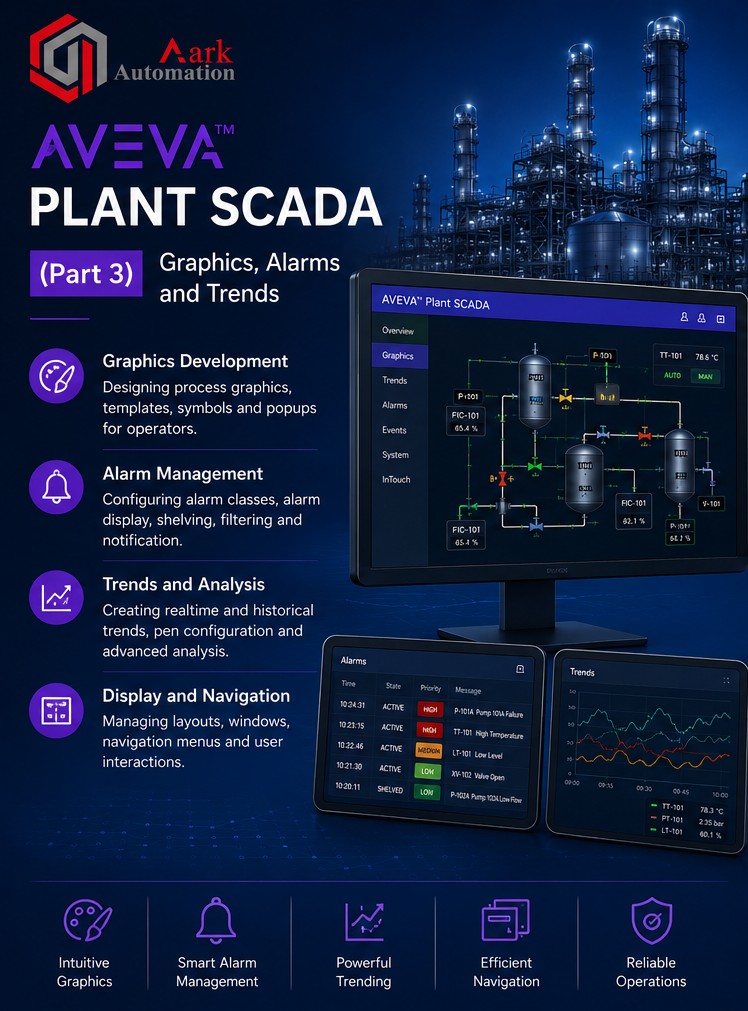
Aveva-Plant-Scada(Part 3)
| Responsible | Nayudu Bhavana |
|---|---|
| Last Update | 18/06/2026 |
| Members | 1 |
-
-
Shelving and Re-Shelving Alarms
-
Summary
-
Overview
-
Cicode Expressions & Commands
-
Exercise 17.1 – Building a Genie with Included Cicode Command
-
Cicode Functions & Categories
-
Writing Functions
-
The Cicode Editor Environment
-
Exercise 17.2 – Using the Cicode Editor to Write a Cicode Function
-
Debugging Cicode
-
Kernel Tools & Summary
-
Overview of Chapter 18
-
Use Microsoft Excel to Edit DBF Files
-
DBF Files
-
Exercise 18.1 – Set up ProjectDBFAddIn in Excel
-
Exercise 18.2 – Edit the Equipment Table in DBF File
-
Exercise 18.3 – Edit the Equipment Configuration Table in DBF File
-
Summary
-
Chapter 19: Devices
-
Set Up Devices & Device History Files
-
Exercise 19.1 – Set Up a Device
-
Summary
-
Overview of Chapter 20
-
Define Events
-
Exercise 20.1 – Define Events
-
Enable Events
-
Exercise 20.2 – Enable Events
-
Summary
-
Exercise 16.3 – Actioning Alarms at Runtime
-
-
Chapter 13: Composite Genies5Lessons ·
-
Overview
-
Common Library Elements
-
Exercise 13.1 – Paste Composite Genies on a Test Page
-
Exercise 13.2 – Paste Composite Genies on a Mixer Page
-
Navigation Genies
-
-
Chapter 14: Faceplates8Lessons ·
-
Overview
-
Configuring Faceplate
-
Binding Faceplates to Equipment Items
-
Exercise 14.1 – Configuring a Faceplate
-
Exercise 14.2 – Binding a Faceplate to Equipment Items
-
Deploying the Standard Library Objects
-
Binding Library Objects to Equipment Items
-
Summary
-
-
Chapter 15: Alarm Configuration15Lessons ·
-
Overview
-
Defined Alarm Types
-
Hardware & Configure Alarms
-
Alarm Pages
-
Exercise 15.1 – Configure Digital Alarms
-
Exercise 15.2 – Configure Analog Alarms
-
Exercise 15.3 – Configure Advanced Alarms
-
Alarms and Equipment
-
Exercise 15.4 – Create Alarms Using Equipment Editor
-
Cause and Responses Information
-
Exercise 15.5 – Add Cause and Response Information
-
Alarm Categories
-
Alarm Priorities
-
Device Groups
-
Exercise 15.6 – Configure Mixer Plant Alarms
-
-
Chapter 16: Alarm Management7Lessons ·
-
Overview
-
Alarm Indicators
-
Exercise 16.1 – Configure Alarm Indicators
-
Alarm Acknowledgement
-
Alarm Filtering
-
Navigating Alarms in Runtime
-
Exercise 16.2 – Acknowledge Alarms
-