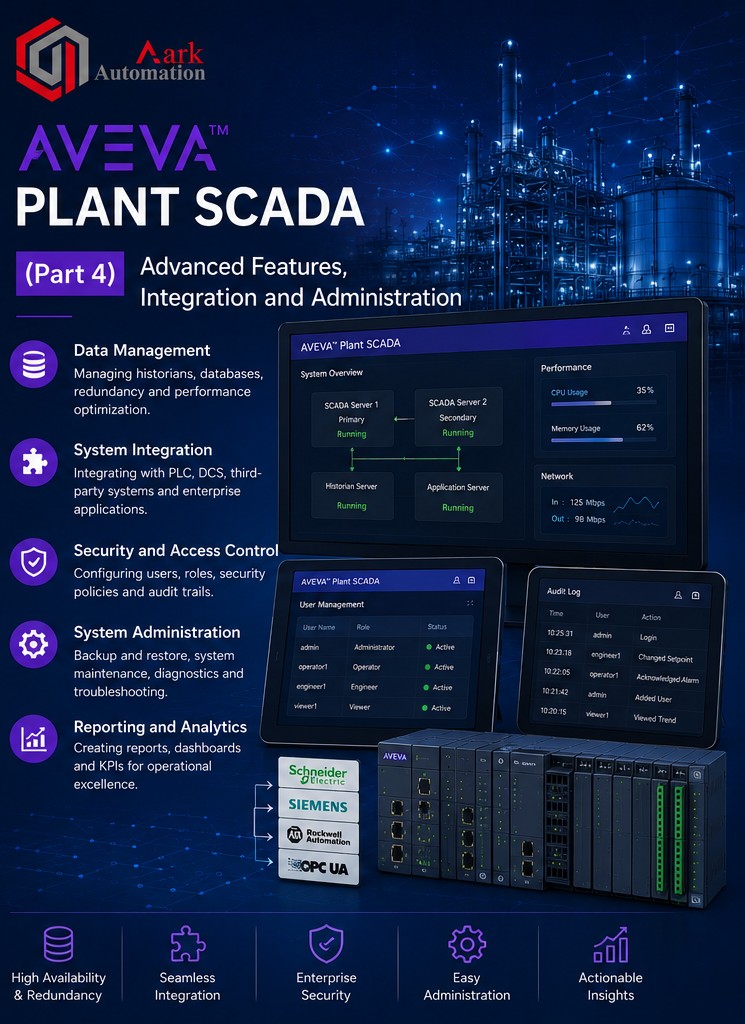
Aveva-Plant-Scada(Part 4)
| Responsible | Nayudu Bhavana |
|---|---|
| Last Update | 18/06/2026 |
| Members | 1 |
-
Chapter 21: Trends16Lessons ·
-
Overview of Trends
-
Trend Tags
-
Exercise 21.1 – Create Trend Tags in Plant SCADA Studio
-
Exercise 21.2 – Create Trend Tags Using the Equipment Editor
-
Trend History Files
-
Process Analyst
-
Properties & Display Tags in Process Analyst
-
Pen Types
-
Exercise 21.3 – Configure Process Analyst Display
-
Change the Properties of the Process Analyst
-
Exercise 21.4 & 21.5 – Display Trends in the Process Analyst Page
-
Exercise 21.6 – Using the Process Analyst Page
-
Other Data Sources
-
Data Export
-
Exercise 21.7 – Export Trend Information
-
Summary
-
-
Chapter 22: Reports4Lessons ·
-
Overview
-
Define a Report
-
Exercise 22.1 – Create a Report
-
View Reports & Summary
-
-
Chapter 23: Advanced Graphics11Lessons ·
-
Overview
-
Graphic Colour Themes
-
Level 2 Overview Pages
-
Charting Tools
-
Exercise 23.1 – Add XY Bar Graphs to Overview Pages
-
Polar Star Objects
-
Exercise 23.2 – Add Polar Star to Overview
-
Interlocks
-
Web Content
-
Exercise 23.3 – Add Web Content to a Page
-
Summary
-
-
Chapter 24: Security4Lessons ·
-
Overview
-
Encrypted Communications
-
Security Roles
-
Security Roles in Plant SCADA
-
-
Appendix B: Additional Exercises24Lessons ·
-
Runtime System Security
-
Exercise 24.2 – Assign Areas and Privileges to Navigation
-
Exercise 24.3 – Assign Areas to Graphic Pages
-
Exercise 24.4 – Restrict Access to Popups and Assign Disable Style
-
Summary
-
Overview
-
Industrial Graphics
-
Industrial Graphics Server
-
Industrial Graphics Client
-
Industrial Graphics Include Project
-
Industrial Graphics Editor
-
Configuring AIG Configurator Settings
-
Exercise A.1 – Configure and View Simple AIG Page
-
Summary
-
Overview
-
Exercise B.1 – Add the Navigation Genies
-
Exercise B.2 – Configure Alarm Indicators for MixerPlant
-
Exercise B.3 – Add XY Bar Graphs with Non-Standard Items
-
Exercise B.4 – Configure Permissive Interlocks for the Pumps (Optional)
-
Exercise B.5 – Configure Process Interlocks for the Pumps
-
Exercise B.6 – Configure Safety Interlocks for the Agitator
-
Exercise 26.8 – Display a Report
-
Exercise 26.9 – Add Scrolling to the Report Page
-
Exercise 24.1 – Privileges, Areas, Roles and Users
-